HOW-TO
TRANSFER BITNAME
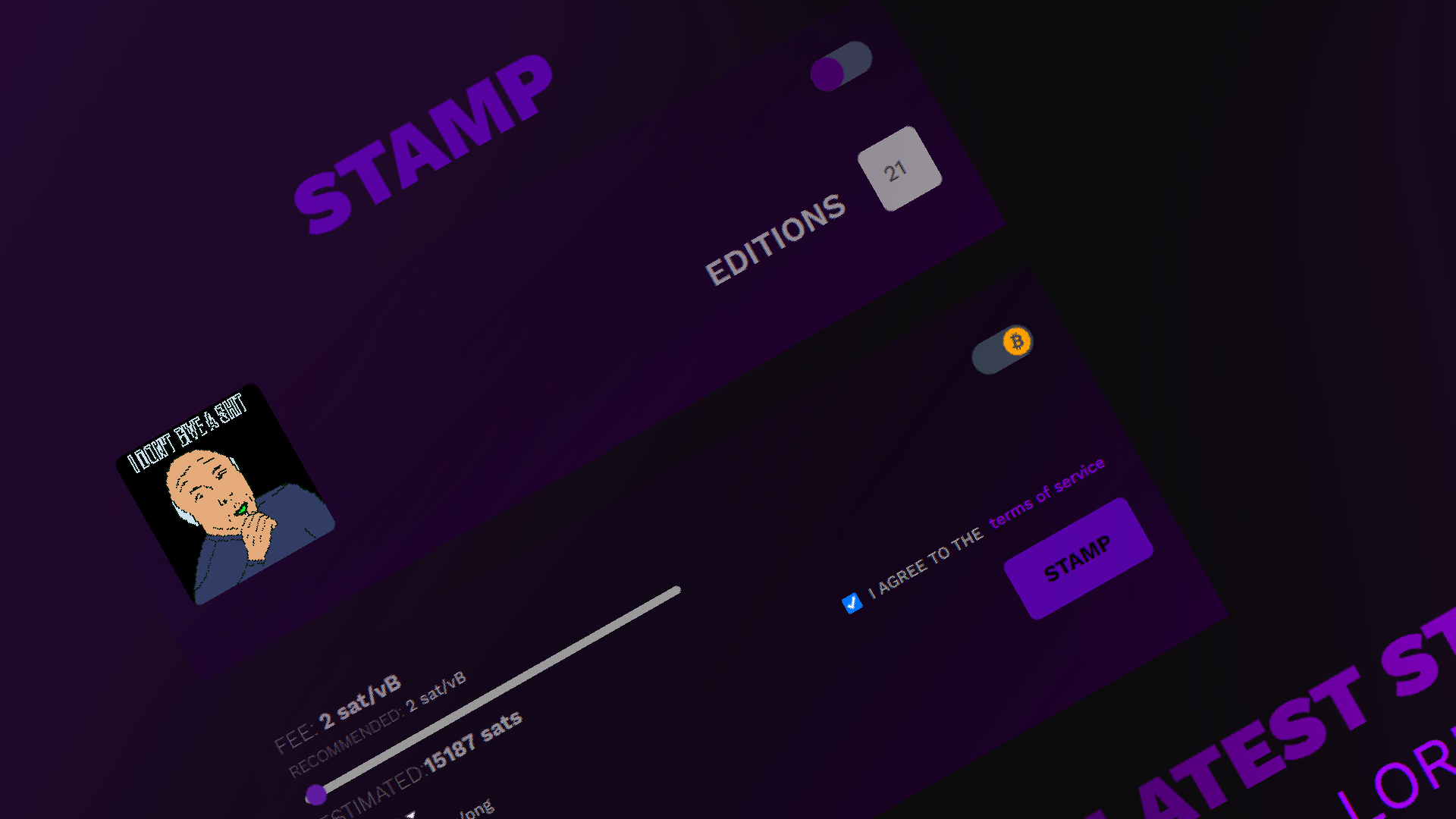
A guide needs to be created for this.
NOTE: Before starting, please ensure that your wallet is connected to stampchain.io and has sufficient funds.
- NAVIGATE TO TRANSFER PAGE
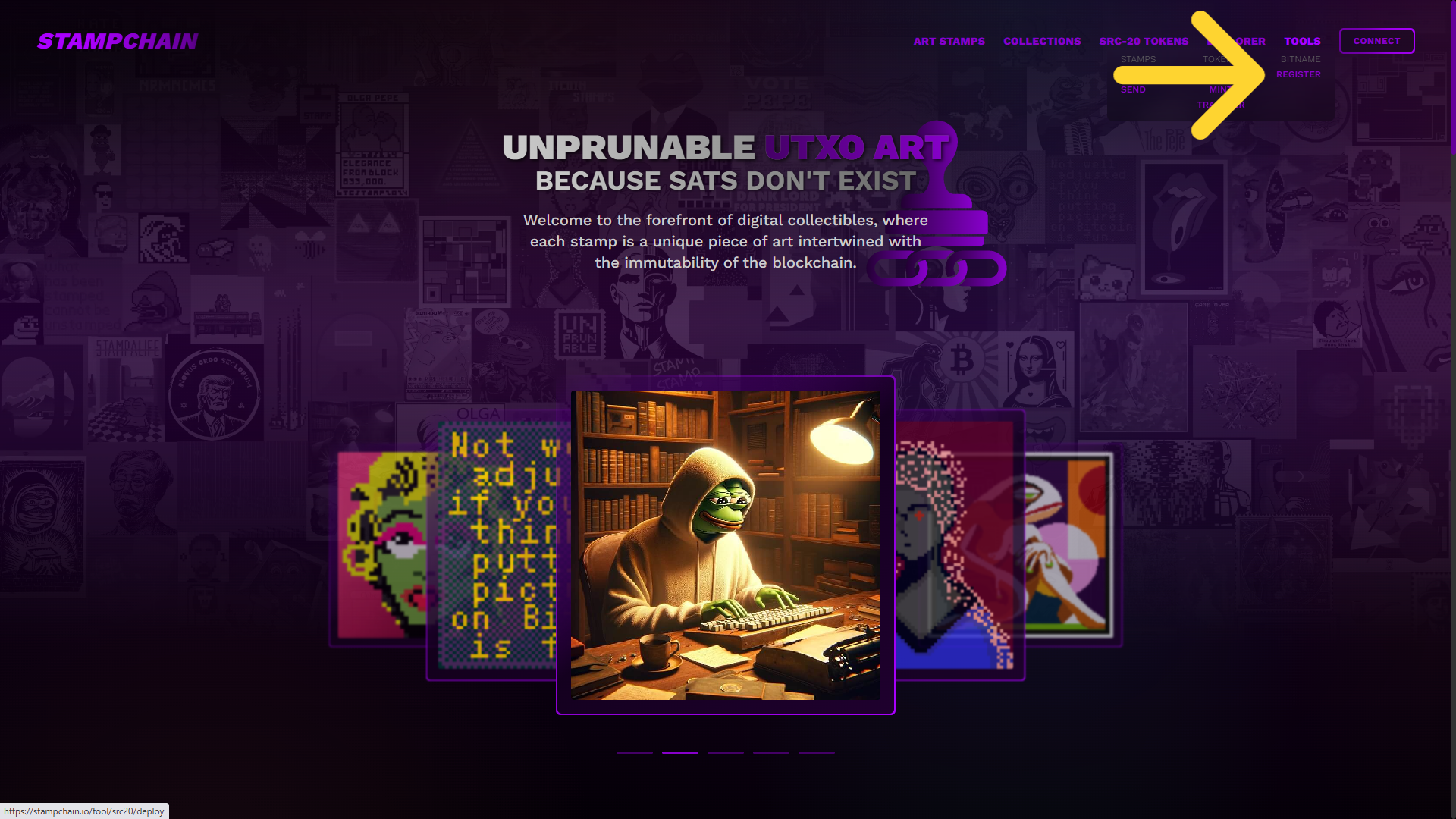
Go to the main menu at the top right and click on TOOLS and under BITNAME select TRANSFER option.
- COMPLETE THE INFORMATION

To be written. Not yet in the Tools menu
FEES shows the suggested amount, adjustable via the slider.
All related costs are detailed in the DETAILS section.
Accept the terms and conditions to activate the DEPLOY button.
DEPLOY button will submit your transaction with all the provided details. - CHECK THE INFORMATION
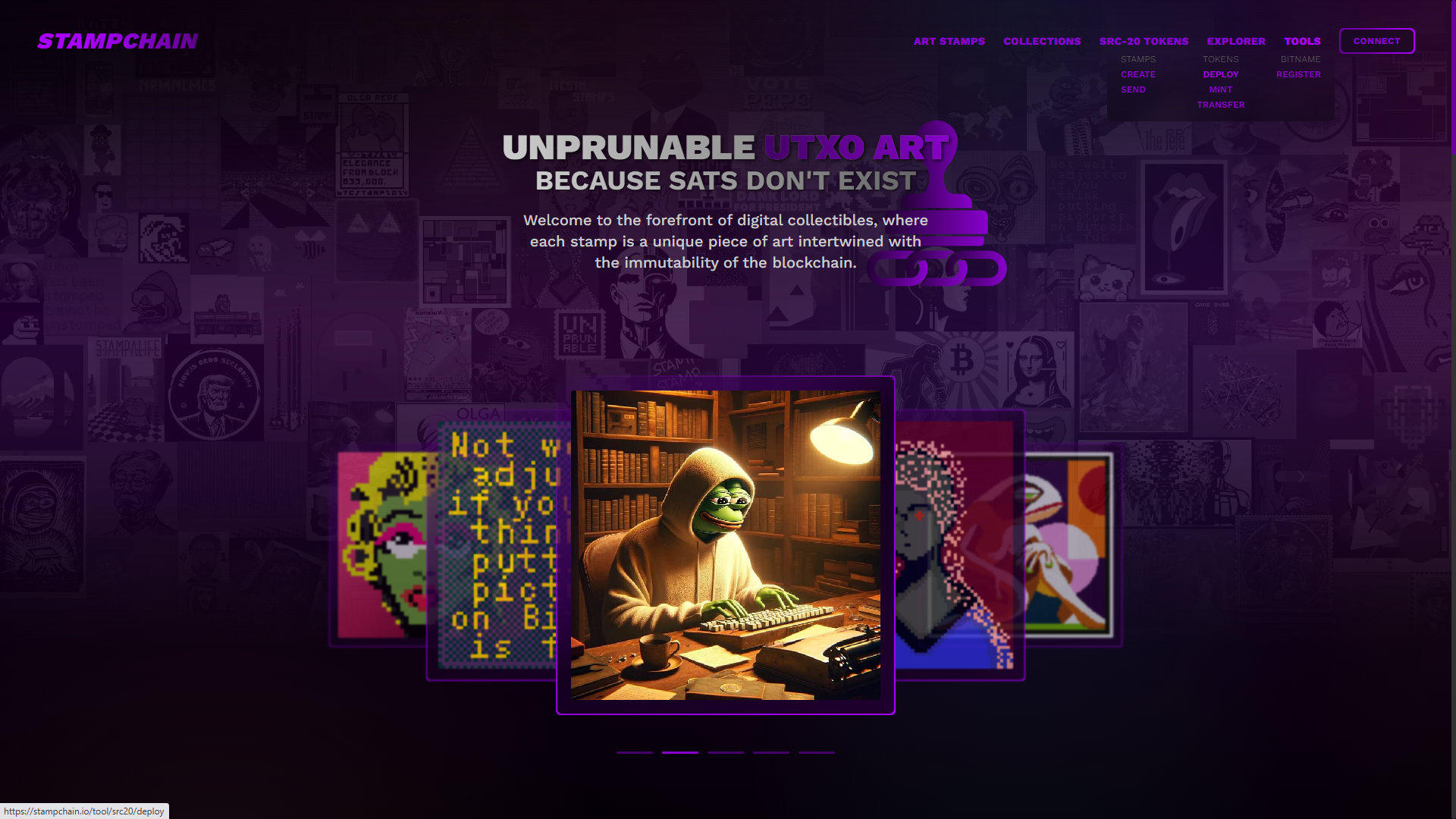
Check that all the information is correct.
- CONFIRM TRANSACTION
Your wallet will pop up and you have to sign for the transaction.
!IMPORTANT
Lowering the fee might slow down the stamping process.
Fees are displayed in BTC by default, but you can toggle to switch to USDT.
KEEP READING
HOW-TO
FAQ
All you ever wanted to know about the Bitcoin Stamps protocol and stuff you never thought you needed to know.